The Strategic Benefits for Businesses to Upload DTF Gangsheet
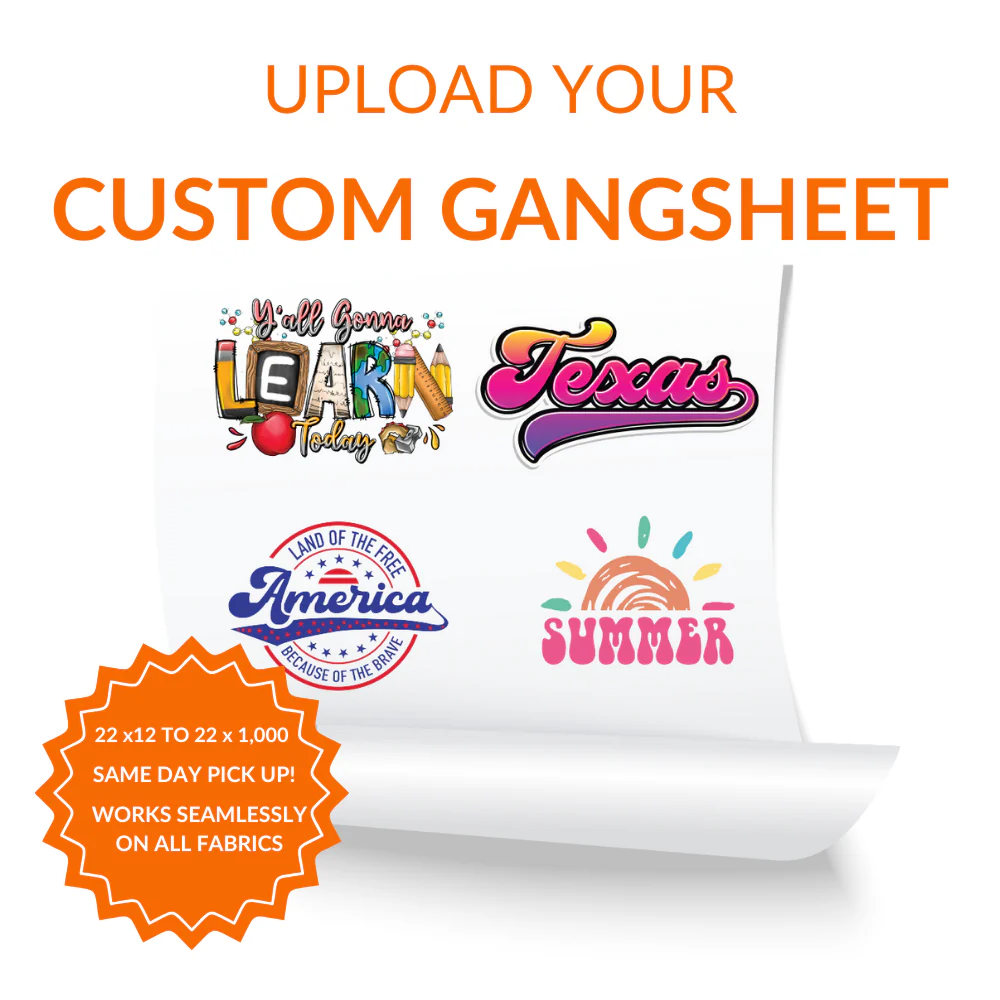
In the modern world of custom apparel, the ability to Upload DTF Gangsheet files has completely revolutionized how small and medium-sized businesses manage their inventory. By choosing to Upload DTF Gangsheet, you are essentially grouping multiple individual logos, back prints, and neck labels onto a single continuous roll of transfer film. This method significantly reduces the setup time required by the printing press, which in turn lowers the overall production cost per garment. Whether you are running a boutique streetwear brand or a corporate uniform service, this approach provides the scalability needed to handle high-volume orders without sacrificing quality. Furthermore, it allows for a more sustainable printing process by minimizing the waste of raw materials and specialized inks used during the digital transfer production phase.
Essential File Preparation Steps Before You Upload DTF Gangsheet
To achieve professional results, it is vital to follow specific technical guidelines before you Upload DTF Gangsheet documents to our automated system. The most important factor to consider is the resolution of your artwork, which should ideally be set to 300 DPI to ensure that every fine line and gradient is captured perfectly. If you Upload DTF Gangsheet with low-resolution assets, the final heat transfer on your t-shirts or hoodies may appear pixelated or lacking in vibrancy. Additionally, you should ensure that your background is fully transparent to prevent the printer from applying unnecessary white ink layers around your designs. Taking the time to double-check your canvas size and spacing between logos will prevent overlapping and make the final cutting process much easier once the film arrives at your facility.
Maximizing Your Cost Efficiency When You Upload DTF Gangsheet
One of the primary reasons why professional printers prefer to Upload DTF Gangsheet layouts is the incredible cost efficiency offered by the gangsheet method. When you Upload DTF Gangsheet, you pay for the linear feet of the film rather than the individual number of designs, which allows you to fill every empty corner of the canvas with smaller branding elements. This strategy is perfect for printing chest logos, sleeve hits, and even custom care instructions at virtually no extra cost. For designers working on a tight budget, this means you can test multiple colorways or different versions of a logo within a single order. By optimizing the arrangement of your graphics, you ensure that you are getting the absolute most value out of every square inch of the high-quality PET film provided by our service.
Technical Specifications to Upload DTF Gangsheet Correctly
Our online portal is designed to be user-friendly, but it requires specific formats when you Upload DTF Gangsheet files to ensure compatibility with our industrial Epson and Ricoh print heads. We highly recommend using the PNG format with an alpha channel, although you can also Upload DTF Gangsheet using TIFF or high-quality PDF files if they are exported correctly. It is important to maintain a CMYK color profile in your design software to ensure that the printed colors match what you see on your professional monitor. Avoid using semi-transparent pixels or “glow” effects, as these do not translate well into the solid ink layers used in the Direct to Film process. Following these strict technical standards ensures a smooth transition from your digital screen to a physical, long-lasting garment decoration that your customers will love.
Overcoming Common Challenges When You Upload DTF Gangsheet
Even for experienced designers, it is common to encounter small hurdles when they Upload DTF Gangsheet designs for the first time. One frequent issue is placing individual graphics too close to the edge of the canvas, which can lead to clipping during the physical printing process. To avoid this, always leave a small safety margin around the perimeter before you Upload DTF Gangsheet to our server. Another challenge is ensuring that the “white underbase” is correctly accounted for, especially when dealing with very thin text or intricate script fonts. Our system automatically handles most of these complexities, but a clean and high-contrast file will always yield a superior result. Taking a few extra minutes to review your final layout in a 1:1 scale view can save you time and prevent the need for expensive reprints.
Conclusion
In conclusion, the decision to Upload DTF Gangsheet is the most effective way to streamline your garment customization workflow while maintaining the highest standards of quality. By knowing exactly how to Upload DTF Gangsheet with optimized layouts and high-resolution files, you empower your brand to produce durable, vibrant, and professional-grade apparel. This technology provides the flexibility needed for modern fashion trends, allowing for complex designs on a wide variety of fabrics including cotton, polyester, and blends. As you grow your business, mastering the gangsheet method will be a cornerstone of your production efficiency and profitability. We invite you to explore our tools and start your next project today to see the incredible difference that professional DTF transfers can make for your custom clothing line.
Frequently Asked Questions
What is the maximum width of the gangsheet?
Our standard printing films typically come in widths of 22 or 24 inches depending on the machine used.
Can I include different designs on the same sheet?
Yes you can place as many different logos or graphics as you like within the total area.
What file resolution is required?
For the best results you should provide your files at 300 DPI at the final print size.
Do I need to mirror my artwork?
No you should provide your designs in the normal orientation as our software handles the mirroring automatically.
What color mode should I use?
We recommend using CMYK to ensure the most accurate color reproduction for textile inks.
Are these transfers durable for washing?
Our transfers are tested to withstand over 50 wash cycles without cracking or fading.
Can I use these on black polyester?
Yes the white ink underbase ensures that colors remain vibrant on dark and synthetic fabrics.
How much space should I leave between designs?
We suggest leaving at least half an inch of space to make cutting the individual pieces easier.
What is the turnaround time for a gangsheet?
Most orders are printed and shipped within 24 to 48 hours after the file is successfully received.
Do you offer a design tool for gangsheets?
Yes we provide an easy online builder that allows you to drag and drop your files into place.
Reviews
There are no reviews yet.