Maximize Efficiency with a Custom DTF Gangsheet Builder
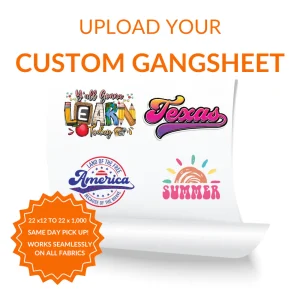
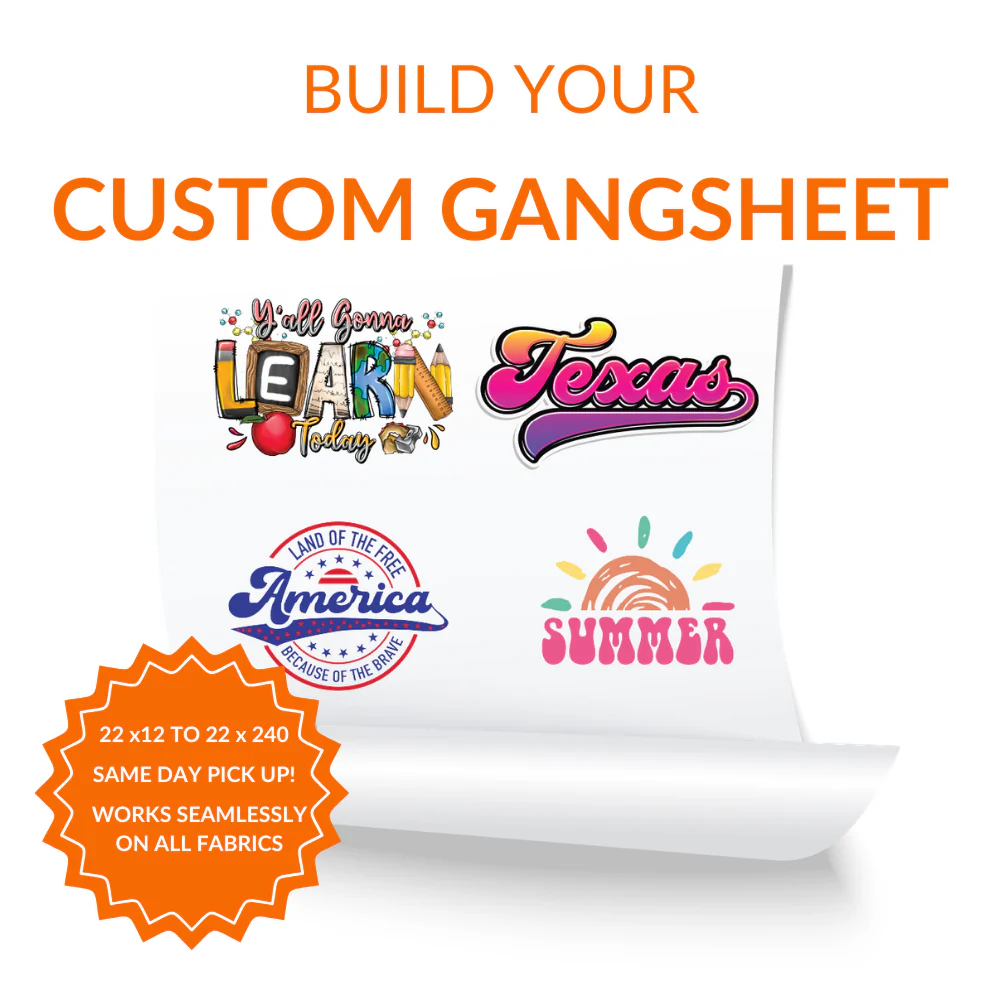
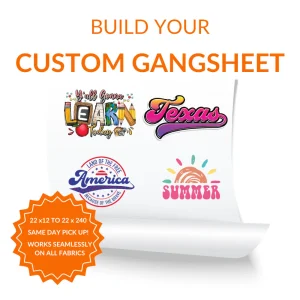
The world of textile printing has been transformed by the introduction of direct-to-film technology, and the Custom DTF Gangsheet Builder stands at the forefront of this revolution for small businesses and hobbyists alike. When you utilize a Custom DTF Gangsheet Builder, you gain the unique ability to consolidate various logos, graphics, and text elements into a single print run, which significantly lowers the cost per print and improves your overall turnaround time. This software-driven approach ensures that you have full control over the layout, allowing for precise adjustments and the perfect scaling of images before they are sent to the printer.
The Essential Features of a Custom DTF Gangsheet Builder
Navigating the complexities of print design becomes much simpler when you have access to a robust Custom DTF Gangsheet Builder that offers drag-and-drop functionality and real-time visualization. A high-quality Custom DTF Gangsheet Builder will typically include features such as automatic image quality warnings, background removal tools, and grid alignment options to help you maintain professional standards without needing advanced graphic design skills. These integrated features ensure that even beginners can create complex layouts that look spectacular on fabric, providing a seamless bridge between digital imagination and physical reality in the apparel industry.
Optimizing Your Design Layout for Better Printing Results
To get the most out of your printing budget, it is crucial to understand how to manipulate the Custom DTF Gangsheet Builder to fit as many designs as possible without compromising the integrity of the transfers. Within the Custom DTF Gangsheet Builder interface, you should focus on minimizing the gaps between images while leaving just enough space for cutting, which effectively doubles or even triples your production capacity compared to traditional single-print methods. By mastering this spatial arrangement, you not only save money on raw materials but also contribute to a more sustainable manufacturing process by reducing the amount of wasted film and ink produced during each session.
High-Quality DTF Transfers for Every Business Scale
Whether you are running a large-scale manufacturing plant or a boutique custom t-shirt shop, the Custom DTF Gangsheet Builder provides the scalability required to meet your specific production demands with ease. Implementing a Custom DTF Gangsheet Builder into your daily operations allows you to handle bulk orders and one-off custom requests simultaneously on the same sheet, offering a level of versatility that was previously unattainable for most print shops. This flexibility is what makes modern DTF printing so attractive, as it empowers creators to experiment with different colors, textures, and sizes without the financial risk associated with traditional screen printing setups.
Best Practices for Exporting from Your Gangsheet Tool
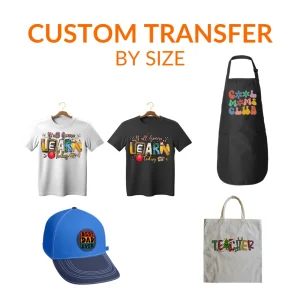
Once your layout is complete, the final step involves using the Custom DTF Gangsheet Builder to generate a high-resolution file that is perfectly formatted for the specific DTF printer being used. It is vital to double-check all elements within the Custom DTF Gangsheet Builder to ensure that colors are set correctly and that no images are overlapping in a way that could ruin the final transfer. Taking these extra moments to review your work within the digital builder will prevent costly errors and ensure that your final products are vibrant, durable, and ready to be pressed onto a wide variety of garments ranging from cotton to polyester.
Frequently Asked Questions
What is a gangsheet in DTF printing?
A gangsheet is a single sheet of transfer film that contains multiple different designs or copies of the same design arranged to maximize space.
How does the builder save me money?
It reduces costs by allowing you to print more designs on a single piece of film which lowers the price per individual logo.
What file formats are accepted?
Most builders accept high-resolution PNG files with transparent backgrounds to ensure the best print quality for your garments.
Is there a limit to how many images I can add?
You can add as many images as you want as long as they fit within the dimensions of the specific sheet size you have selected.
Do I need professional design software?
No because the builder is designed to be user-friendly and handles most of the layout tasks that would normally require complex software.
What happens if my image quality is too low?
The system will usually provide a warning if the resolution is not high enough to produce a sharp and clear print on the fabric.
Can I use the builder on my mobile phone?
Many modern builders are optimized for mobile use though a desktop computer is often recommended for more precise control over small details.
How do I remove the background from my images?
Many builders include an integrated tool that can automatically detect and remove solid backgrounds from your uploaded files.
Can I save my work and come back later?
Most platforms allow you to save your progress in a user account so you can finalize your layout at a more convenient time.
What is the standard resolution for DTF prints?
It is generally recommended to use images that are at least 300 DPI to ensure that the final transfer looks professional and crisp.